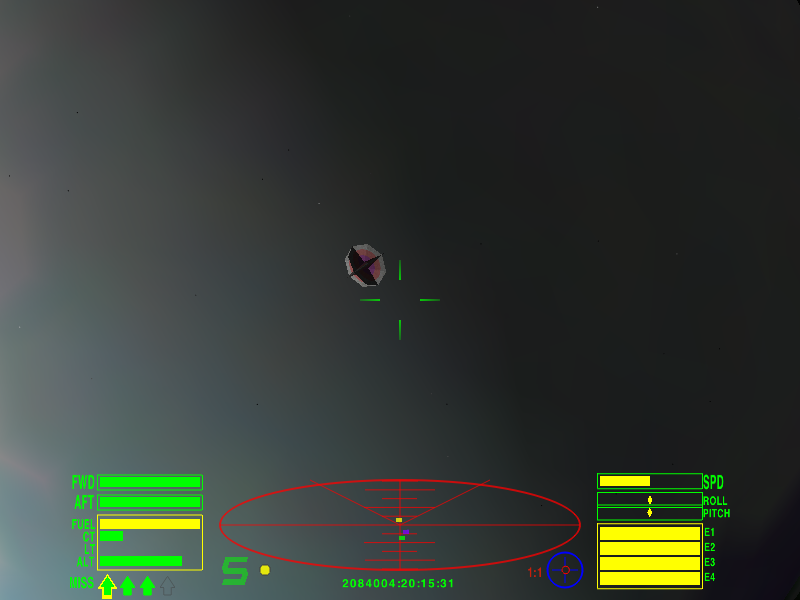
// Archive entry № 0968
Oolite
Oolite is a space simulation game and clone of Elite. Both the source code and media are licensed under the GPL (version 2 or later). Oolite is programmed in the Objective-C programming language and uses OpenGL. It is available for the Linux, Mac OS X, and Windows operating systems. This game requires 3D hardware acceleration.
- Developer
- Giles Williams, Jens Ayton
- Players
- Region
- Worldwide
Rate this game
About the game
Oolite is a space simulation game and clone of Elite. Both the source code and media are licensed under the GPL (version 2 or later). Oolite is programmed in the Objective-C programming language and uses OpenGL. It is available for the Linux, Mac OS X, and Windows operating systems. This game requires 3D hardware acceleration.
Although the base game closely resembles the (some say antiquated) gameplay of the original Elite, the game is highly moddable with a built-in mod manager known as the Expansion Pack Manager. Enemies also have some enhancements which make the base game more difficult than Elite.
==Story== The Oolite story is a matter of some contention. This is because there is not a great deal of story in the base game (mods may add any amount). Rather, most of the story exists in the form of short stories and novellae. The most 'official' lore may be seen as the anthology of Oolite short stories Alien Items. The authors of these disagree on the extent to which Oolite shares a common universe with Elite and its sequels, or is even completely distinct. In the early days some of the authors and oxp-writers wished to syncretise Elite and Frontier (Oolite being positioned historically between the two). Others wished to ignore Frontier - hence the confusion! The story of the "Ooniverse" is also commonly (but not universally) considered to roughly correspond with the short story The Dark Wheel which was included with purchases of the original Elite game
Technical notes
Imported from LibreGameWiki. Verify platform-specific requirements on the linked project/download page before installing.
Files & downloads
VG90 is a reference and discovery archive. We do not host game files; download buttons lead to the external source listed for the entry.
Download / project pageLicense: GPLv2+
Imported from LibreGameWiki: https://libregamewiki.org/Oolite
Article text attribution: LibreGameWiki contributors, CC BY 3.0/GFDL. Game/media license detected from the infobox: GPLv2+.
// Keep exploring
Similar Games
 2024
2024
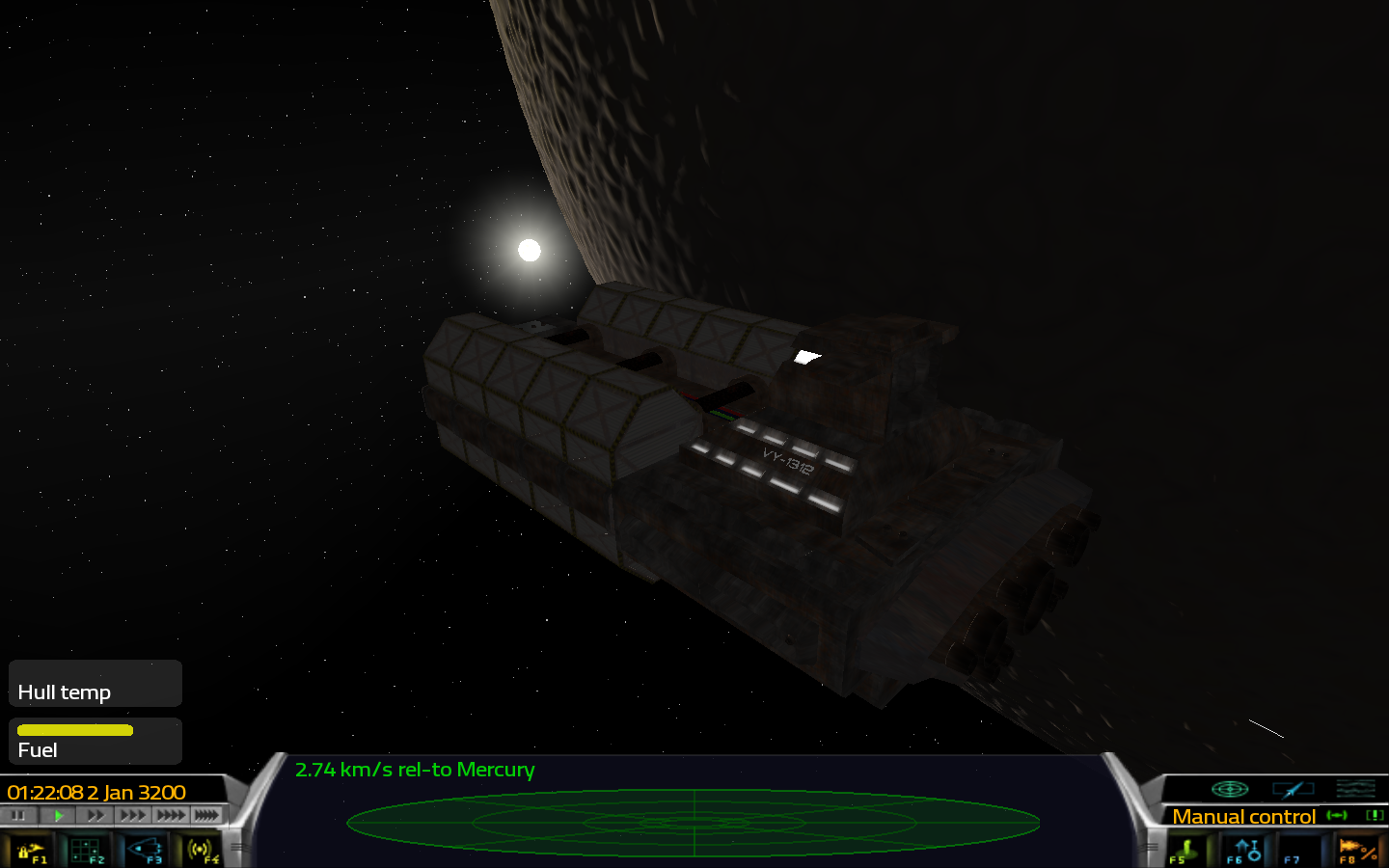
Pioneer
Windows Linux Mac
Pioneer is a space adventure game set in the far future in our galaxy.
View details 2020
2020
Cytopia
Windows Linux Mac
Cytopia is a free, open source city building game with a big focus on mods. It utilizes a…
View details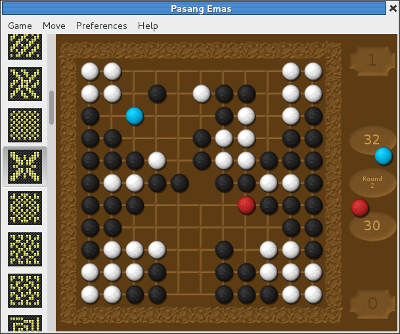 2020
2020
Pasang Emas
Linux Mac
Pasang is a traditional two-player board game. The players take turn capturing each…
View details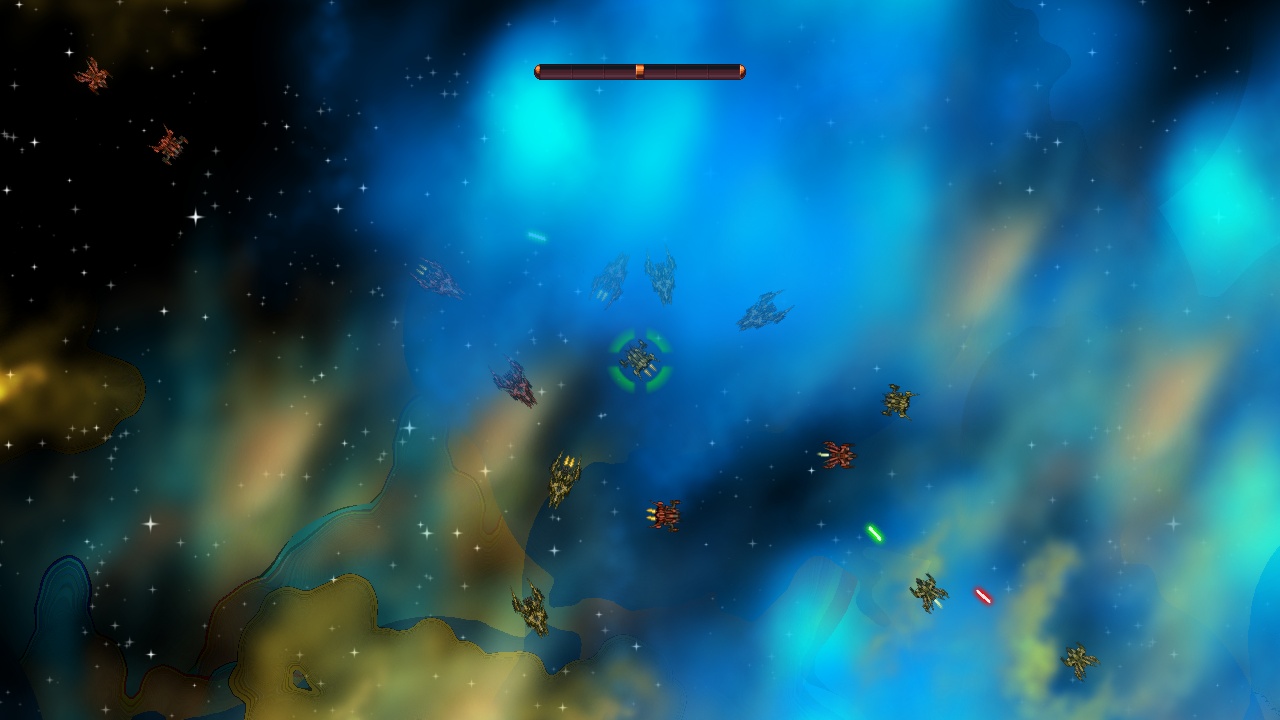 2020
2020
Pacewar
Pacewar is a simple fighting game between two teams of ships. A team wins when it defeats…
View details