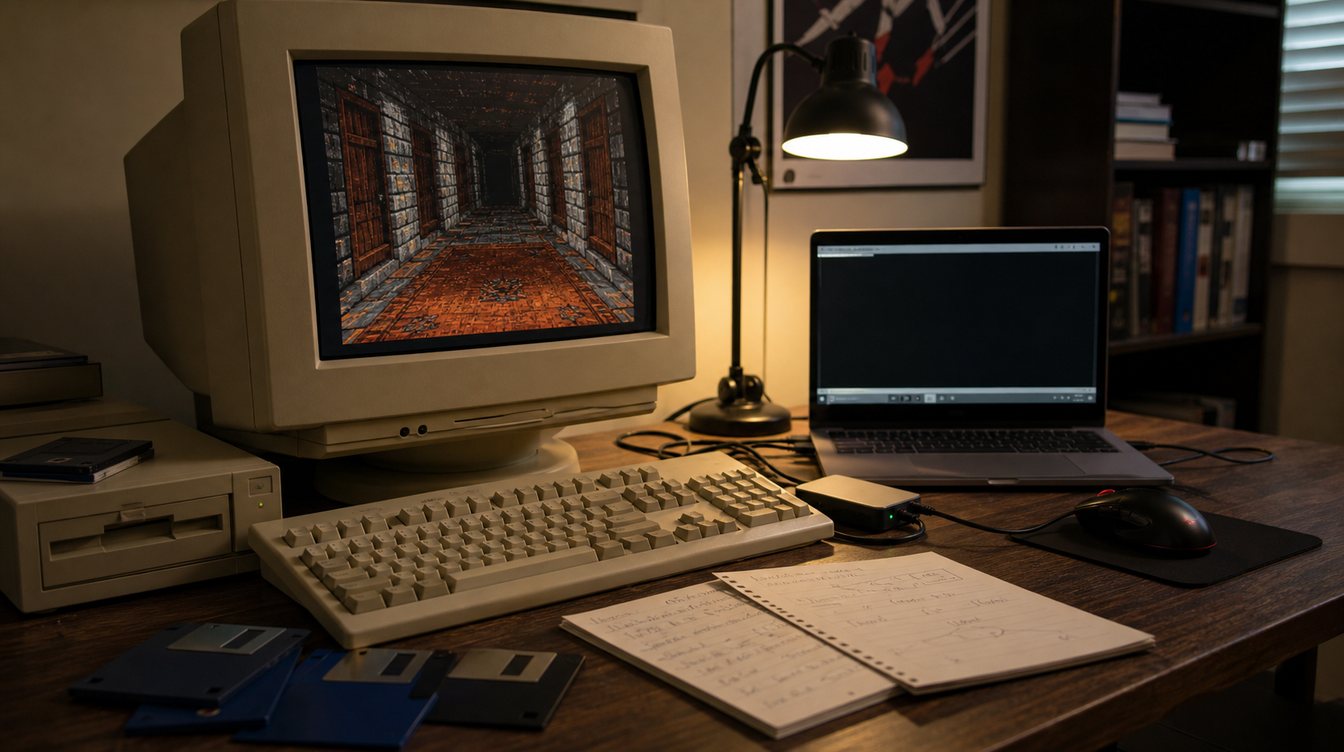
DOS emulation is one of the main reasons 90s PC games remain discoverable today. Old DOS software expected a world of sound cards, memory limits, keyboard layouts and display modes that modern computers no longer share. Emulation creates a bridge, but a good bridge needs more than a launch button.
The first challenge is compatibility. Some games run cleanly with basic settings, while others need attention to CPU cycles, memory behavior, input timing or CD audio. That is why archive pages should include platform details, release year and notes where possible. The phrase "DOS game" is useful, but it is rarely enough.
Controls matter too. Many DOS games were designed around keyboard commands, joystick calibration or mouse sensitivity that feel unusual today. A flight sim, a dungeon crawler and a shareware platformer may all be DOS games, but each asks the player to learn a different physical language.
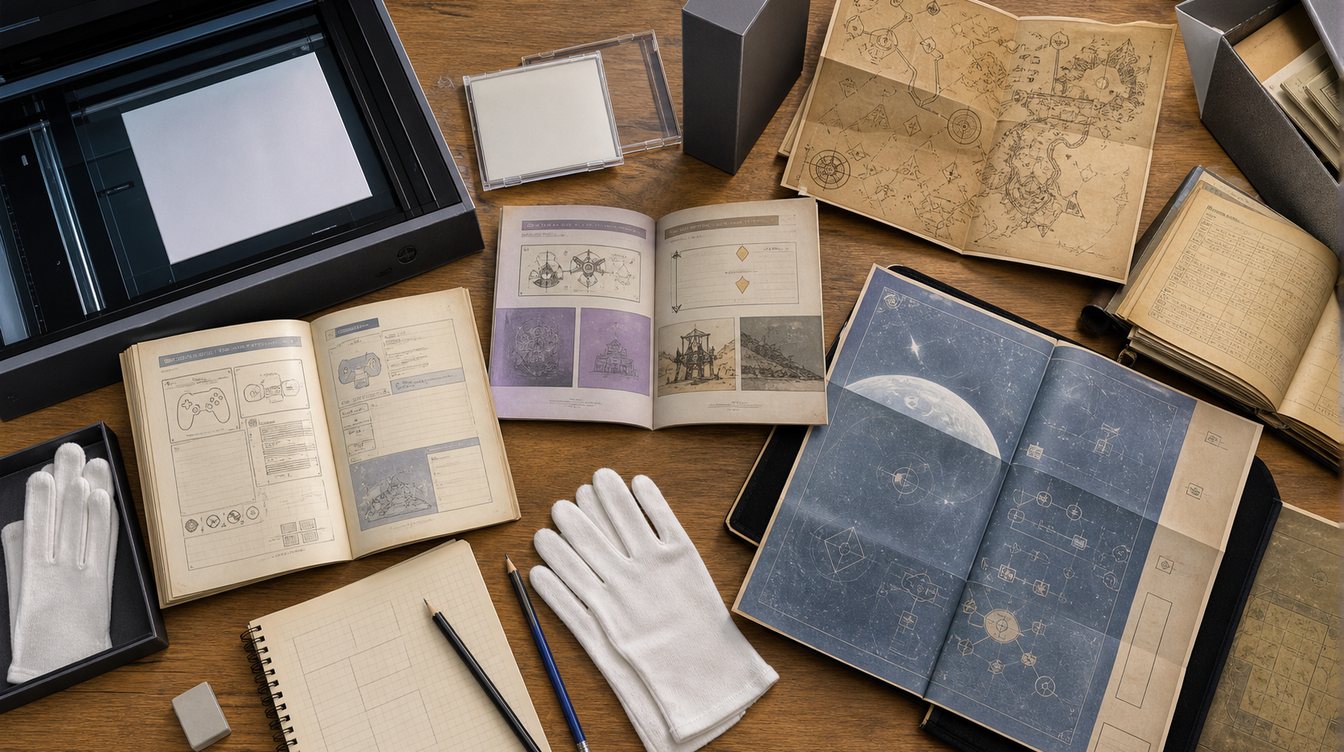
Manuals and reference cards are part of the experience. They explain copy protection, keyboard shortcuts, installation choices and world rules. Without those documents, players can mistake an old design habit for a broken game. Preservation works best when the software and the instructions stay connected.
For search, DOS emulation pages should answer practical and historical questions together. Visitors may arrive looking for "old DOS game on modern PC", "DOSBox classic game setup" or "90s PC compatibility". A strong archive gives them context before sending them anywhere else.
VG90 treats emulation as part of preservation, not a shortcut around metadata. The goal is to make old PC games understandable again: what they are, what they need, and why they mattered in the first place.